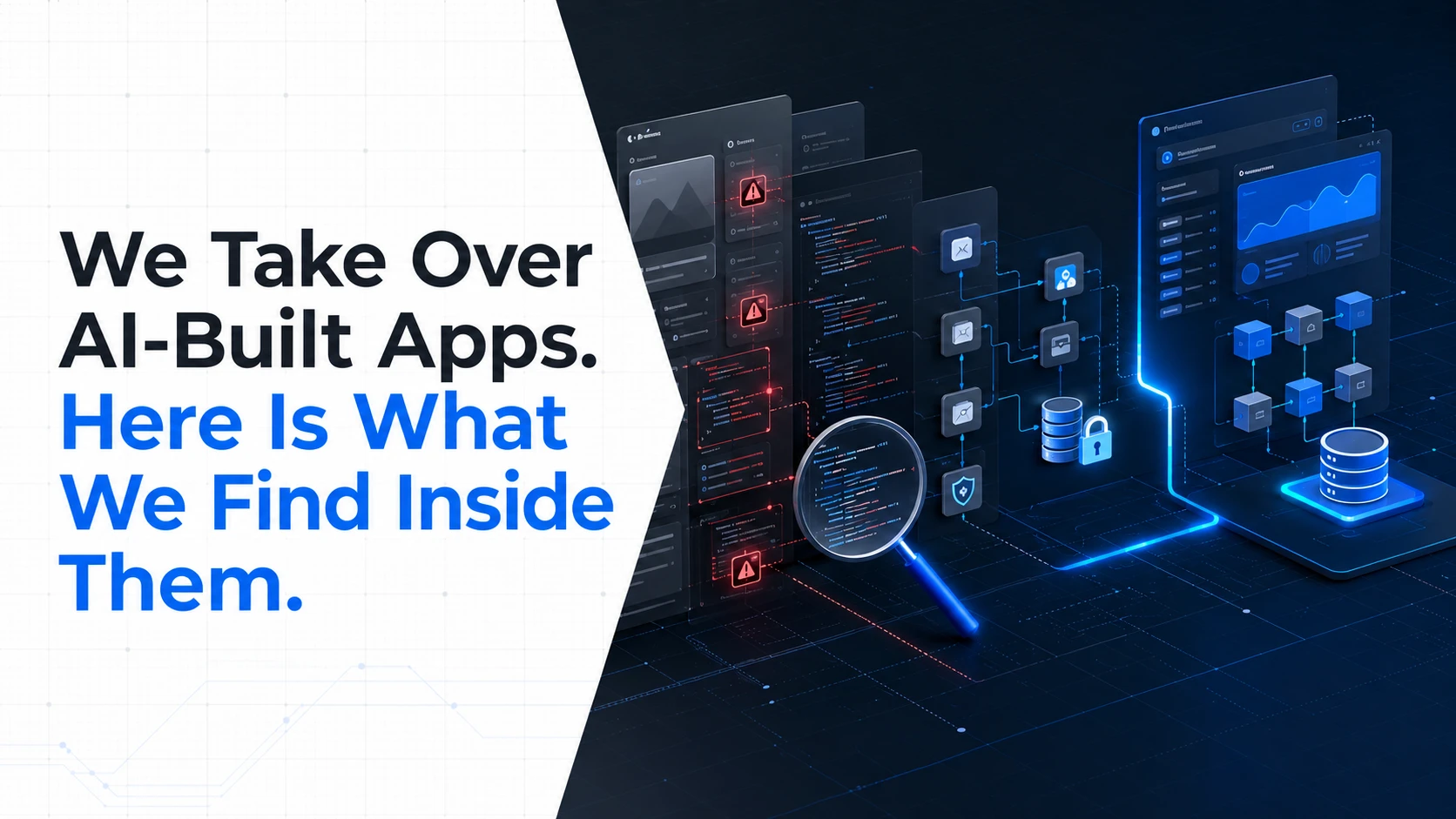
We Take Over AI-Built Apps. Here Is What We Find Inside Them.
What happens when a fast AI-built prototype has to become real production software.
Sections
An AI-built app can look finished long before it is ready for production.
The screens work. Users can sign up. The database is connected. The demo looks good. Maybe the first customers are already using it.
Then the problems start. A booking fails under real traffic. A permission is too broad. A payment flow behaves differently in production. One small change breaks three unrelated features. Nobody is quite sure which part of the code should be touched without causing another problem.
This is the point where the question changes from Can AI build an app? to Can this app be trusted?
That distinction matters because AI coding tools are very good at producing working software quickly. Production software has a longer list of requirements. It needs clear ownership, secure data handling, predictable deployments, maintainable code, proper testing, and an architecture that can survive the next change.
We increasingly see founders reach this stage with an application that was built quickly using AI tools. They do not necessarily need to throw the whole product away. The first job is to understand what is actually there.
Why AI-built apps can look better than they really are
The most difficult AI-generated app problems are often hidden behind working screens.
An AI coding tool can produce a login page that works. That does not tell you whether authentication is implemented safely. It can generate a database query that returns the right records. That does not prove the query is protected against malicious input. It can connect a payment provider successfully. That does not mean webhooks, retries, permissions, and failure states have been handled properly.
This is one reason the vibe coding security risks conversation has moved beyond simple code quality.
Recent industry analysis has pointed to problems involving injection flaws, exposed credentials, insecure dependencies, weak authentication, excessive permissions, missing environment separation, and code that becomes difficult to maintain. AI-generated code can also introduce problems through the way packages, configuration, and large groups of changes are generated and accepted.
The issue is not that every line written by AI is bad. It is that code can be accepted because it works before anyone has properly checked whether it is safe, maintainable, and appropriate for the product.
What we check when we take over an AI-built app
Taking over an existing application starts with an audit, not a rewrite.
That matters because rebuilding everything immediately can destroy useful work and introduce new problems. The goal is to find the parts that are sound, the parts that can be repaired, and the parts that are creating too much risk to keep.
1. We trace the application from the user interface to the database
First, we need to understand how the product actually works.
We look at the frontend, backend, APIs, database structure, authentication, third-party integrations, deployment setup, and the paths that connect them. We are looking for the real architecture, not the architecture the original prompts were supposed to create.
This often exposes duplicated logic, unclear responsibilities between frontend and backend, direct database access from places where it should not exist, and business rules that are spread across multiple parts of the application.
2. We inspect authentication and permissions
Authentication answers who a user is. Authorization answers what that user is allowed to do.
AI-generated applications can handle the first question while doing a poor job with the second.
We check user roles, protected routes, API permissions, admin access, ownership checks, and sensitive operations. A user should not be able to access another user's records simply because an endpoint was generated without the right authorization rule.
This becomes even more important for products with customers, vendors, staff, administrators, or multiple account types.
3. We look for secrets and unsafe configuration
API keys, database credentials, private tokens, and other secrets should not be sitting inside frontend code or committed into a repository.
We inspect environment configuration and deployment settings to understand what the application can access and where those credentials are being used.
Credential exposure is one of the security problems highlighted in recent research around AI-assisted development. The important point for a founder is simple: a working integration is not enough. The integration also needs to be configured safely.
4. We inspect the database model
A weak database structure can make every future feature harder.
We check how users, transactions, bookings, products, subscriptions, and other core records relate to each other. We look for duplicated data, missing constraints, inconsistent naming, unsafe queries, and business rules that are impossible to enforce reliably.
This is one area where a quick prototype can become expensive technical debt. A founder may see ten screens. An engineer sees the data model underneath all ten screens.
5. We review dependencies and generated packages
AI tools can suggest libraries very quickly. That does not mean every suggested package belongs in a production application.
We review dependencies, versions, known vulnerabilities, abandoned packages, unnecessary libraries, and packages that should not be trusted without further investigation.
IBM has also highlighted a specific AI-related supply-chain risk called slopsquatting, where attackers can register package names that AI models have previously hallucinated.
6. We test the places where the app is most likely to fail
Normal user flows are rarely enough.
We test invalid input, repeated requests, missing data, expired sessions, failed payments, duplicate submissions, network failures, permission boundaries, and other conditions that are easy to ignore during a prototype demo.
The question is not only, “Does this feature work?” It is also, “What happens when it does not work?”
The biggest problem is often not one bad line of code
When people hear about AI-generated app problems, they often imagine a security vulnerability hidden in one function.
Sometimes that is exactly what we find. More often, the bigger issue is the accumulation of small decisions.
The application may have inconsistent patterns. Different parts may handle errors differently. Business rules may exist in the frontend instead of the backend. Database access may be too open. Tests may be missing. Deployment may be manual. Nobody may know which environment is connected to real customer data.
Each problem can look manageable on its own. Together, they make the application difficult to change safely.
That is why an experienced takeover is different from simply asking another AI tool to clean up the previous AI output.
Keep, fix, or rebuild: the decision that matters
Not every AI-built app needs to be rebuilt from scratch.
We normally think about the existing product in three groups.
Keep: Parts that are stable, understandable, secure enough for their role, and worth maintaining.
Fix: Parts that have a sound foundation but contain bugs, security gaps, performance issues, or poor implementation.
Rebuild: Parts where repairing the existing structure would create more risk and cost than replacing them properly.
This approach protects the work that already has value while giving the product a cleaner foundation.
It also helps founders avoid a common mistake: spending months adding features to an application that has not yet been made safe and maintainable.
What happens when the app is already live?
A live AI-built app needs a different level of care.
You cannot treat production like a development sandbox when real customers, payments, bookings, or private information are involved.
The first priority is to understand the blast radius. Which systems does the application access? Which data can each role see? Which credentials are exposed? What happens if a deployment fails? Can the previous version be restored? Are there logs that show what happened?
From there, the recovery plan should be based on risk and business impact.
A critical payment or authorization problem may need attention before a cosmetic bug. A slow admin report may matter less than an API endpoint that exposes records it should not expose.
This is why a good rescue plan is not simply a list of bugs. It is a priority order tied to users, revenue, security, deadlines, and the product's next stage.
One real example: taking over a product mid-flight
We have seen this situation outside the typical prototype scenario.
In one Arena engagement, the product was handed over mid-flight rather than starting from a blank page. The team had to understand the existing product, make decisions quickly, and get the rebuilt platform into a usable state. The rebuild and shipment were completed in 17 days.
The product now supports a much larger operating reality. Arena is a sports platform covering bookings, tournaments, subscriptions, and payments, and the current business profile reports more than 100K bookings.
The lesson is not that every AI-built app can be rebuilt in 17 days. It cannot. Timelines depend on the condition of the codebase, product scope, integrations, team access, and how much of the existing work can be retained.
The useful lesson is that a troubled existing product does not automatically mean the business idea is wrong. Sometimes the product needs technical ownership and a clear recovery plan more than it needs another round of prompts.
When should you stop adding features?
There is a simple warning sign: your team is afraid to change the application.
If adding one feature regularly breaks unrelated features, if nobody understands the backend well enough to estimate changes, or if deployments feel risky, adding more functionality usually makes the underlying problem larger.
The same applies when every fix is followed by another AI-generated patch. The application may keep moving, but the structure underneath becomes harder to reason about.
At that point, the right question is not, “What prompt should we try next?” It is, “What does this product need to become maintainable?”
How to make an AI-built app production-ready
A production cleanup normally needs to cover more than the visible bugs.
Audit the current codebase and architecture. Understand what exists before changing it.
Map critical user and business flows. Identify the functions that cannot fail.
Review authentication and authorization. Confirm that every role can access only what it should.
Secure secrets and integrations. Remove exposed credentials and review third-party access.
Clean up the data layer. Fix weak models, unsafe queries, and inconsistent business rules.
Review dependencies. Remove unnecessary packages and address known security risks.
Add meaningful testing. Cover critical flows, edge cases, permissions, and regressions.
Separate environments. Development, staging, and production should not be treated as the same place.
Make deployments reversible. The team should know what changed and how to recover if a release fails.
Document the system. Future engineers should not need the original prompts to understand how the product works.
These practices apply whether the original code was written by a developer, generated by AI, or produced by a combination of both.
You do not need to hide that the app was AI-built
There is no technical value in pretending an AI-built application was created traditionally.
The important question is what the code looks like now.
If the application has a clear architecture, secure access controls, reliable tests, sensible dependencies, and engineers who understand how it works, the history of how individual lines were generated matters much less.
AI can remain part of the development process. The difference is that generated code is reviewed, tested, owned, and maintained like production software.
When fixing the app is better than starting again
Starting again can feel cleaner, but it is not always the better business decision.
Your existing application may already contain validated product decisions, customer feedback, working integrations, useful UI, operational knowledge, and features that took time to build.
A proper app rescue and recovery process starts by finding what is worth keeping. Only the parts that need deeper work should be replaced.
For some products, the right answer will still be a rebuild. For others, a targeted cleanup can preserve most of the existing product while removing the technical risks that are slowing the business down.
What founders should ask before hiring someone to take over
If you are handing an AI-built application to a new development team, do not ask only how quickly they can add features.
Ask how they will understand the existing system first.
Will they perform a code and architecture audit?
Will they review security and permissions?
Will they identify what should be kept, fixed, or rebuilt?
Will they explain the risks in business terms?
Will they create a recovery plan before making major changes?
Will they leave you with code your future team can understand?
A good takeover should reduce uncertainty, not move it from one developer to another.
The next stage of vibe coding is engineering ownership
AI has changed how quickly software can be produced. That part is unlikely to reverse.
The harder lesson is that faster code generation does not remove the need for engineering discipline. It makes that discipline more important because there can be more code, more changes, and more dependencies to review.
For founders, the practical takeaway is simple. If your AI-built app works as a demo but is becoming difficult to trust, do not keep adding prompts and hoping the structure fixes itself.
First understand what you have. Then decide what is worth keeping. Fix the critical risks. Rebuild the parts that are holding the product back.
If you already have an AI-generated MVP, Next Level Software can audit the existing product and take it toward production with Fix Your App. For products that need a deeper rebuild, our MVP development and custom software development teams can work from the existing product rather than forcing you to start the business idea from zero.
Keep reading
How Much Does It Cost to Develop an App in 2026?
App development costs vary widely because every product has a different scope. Learn what affects the cost of building an app and how to plan a realistic budget before development starts.
Abdullah · · 9 min read
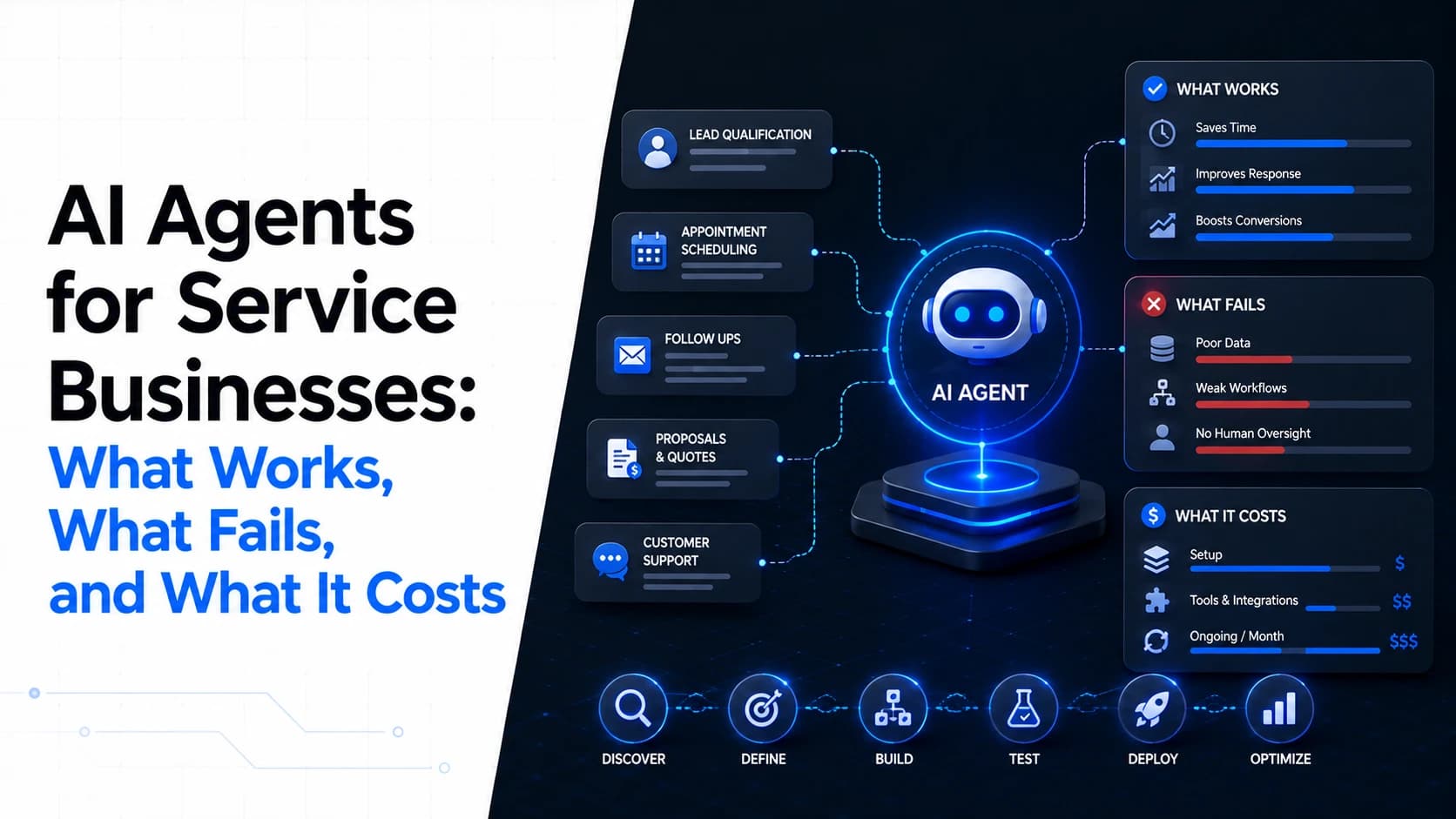
AI Agents for Service Businesses: What Works, What Fails, and What It Costs
AI agents can handle more than chat, but they are not a replacement for an entire service business. Here is where AI agents work well, where they fail, what they need to connect to, and what actually affects their cost.
Abdullah · · 10 min read
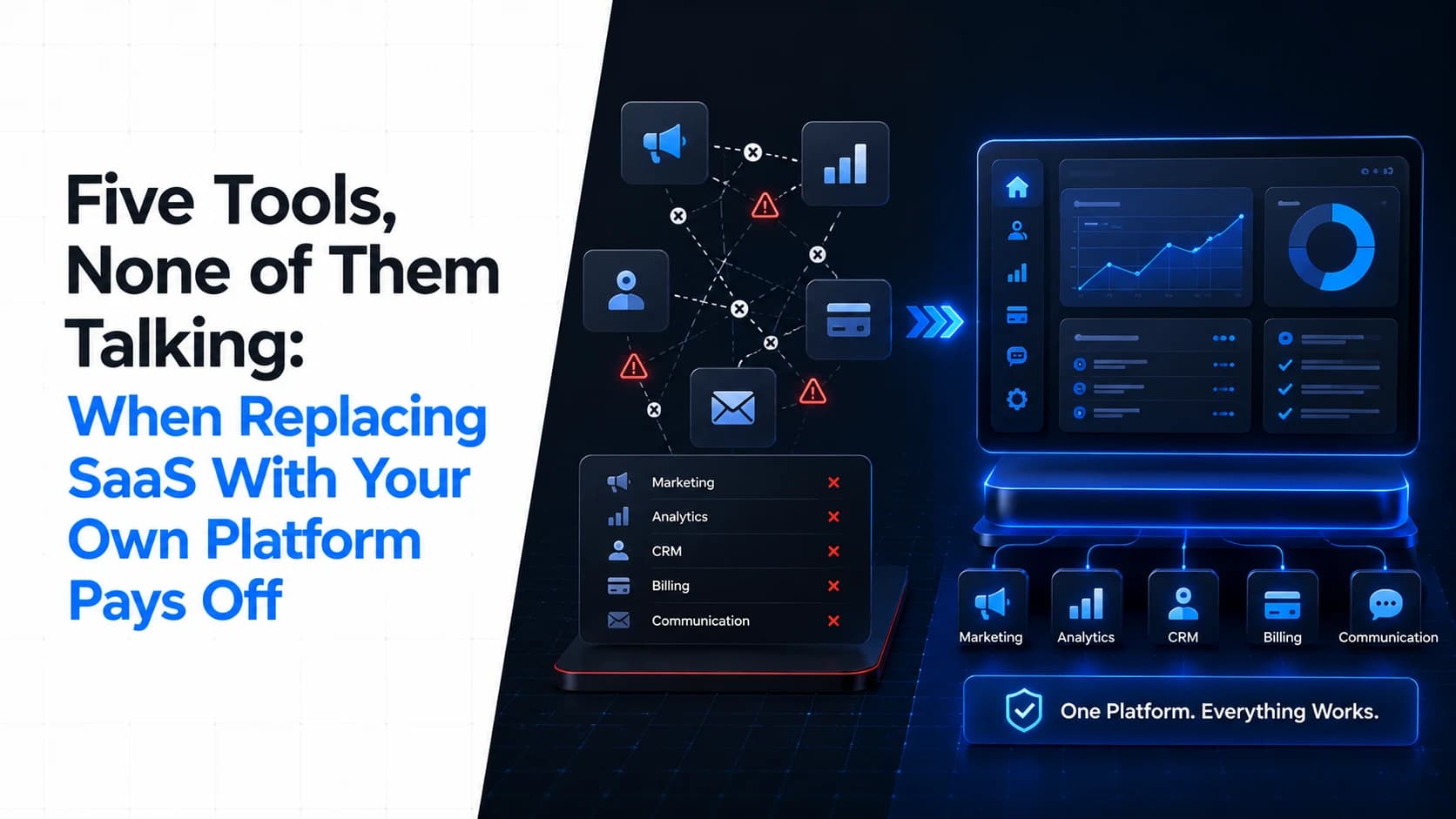
Five Tools, None of Them Talking: When Replacing SaaS With Your Own Platform Pays Off
Five SaaS subscriptions can look cheaper than custom software until you count integrations, duplicate data, manual work, user growth, and the time your team spends moving information between systems. Here is how to compare the real five-year cost.
Abdullah · · 9 min read