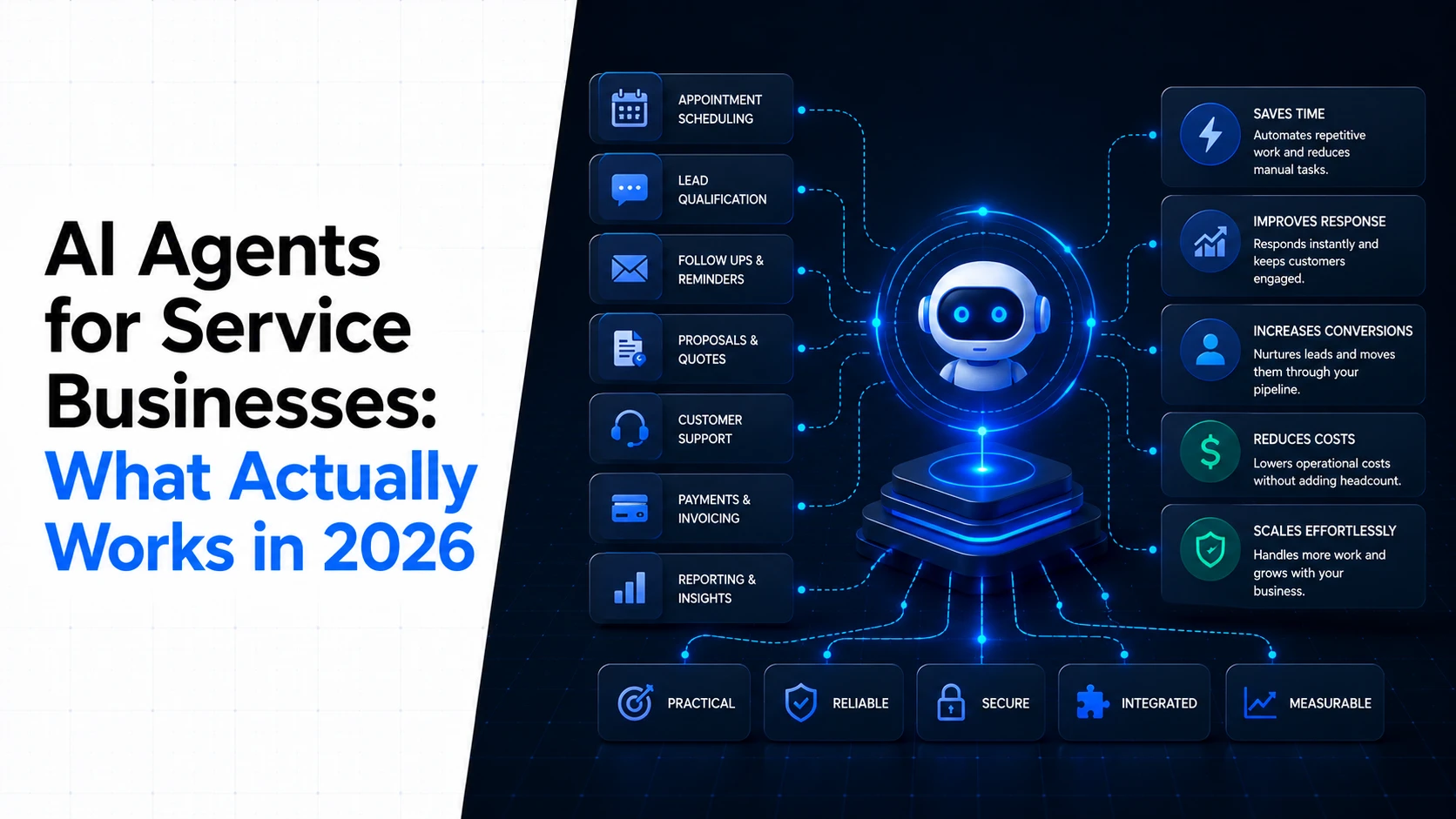
AI Agents for Service Businesses: What Actually Works in 2026
A practical guide to using AI agents for customer service, bookings, follow-ups, and daily operations.
Sections
If you run a gym, clinic, salon, repair company, consultancy, or another service business, you probably do not need an AI agent that can do everything.
You need one that can do a few useful things reliably.
That might mean answering common customer questions, qualifying a new enquiry, booking an appointment, sending a follow-up, checking a customer's status, or updating your internal system after a conversation.
This is where AI agents for small business become practical. The value is not in giving an AI a job title. The value is in giving it a defined workflow, the information it needs, and clear rules about when a person should take over.
What an AI agent actually does
A normal AI assistant mainly responds to what you ask it. An AI agent can go further. It can receive a trigger, decide what needs to happen, use connected systems, take actions, and continue through a multi-step workflow.
For example, imagine a person visits a gym website and asks about membership.
An agent could answer the question, check the available membership options, ask a few qualifying questions, offer a suitable appointment time, create the booking, and send the customer confirmation.
If the person asks about a medical issue, disputes a charge, or requests something outside the agent's rules, the workflow can stop and send the conversation to a member of staff.
That distinction matters. The useful model is controlled autonomy, not unrestricted autonomy.
Why service businesses are a good fit
Many service businesses run on repeatable processes.
A customer asks a common question.
A lead submits an enquiry.
An appointment needs to be scheduled.
A customer needs a reminder.
A staff member needs information from another system.
A completed job needs a follow-up.
These processes happen often, follow recognisable patterns, and usually have a clear next action. That makes them better candidates for AI automation than tasks that require complex judgment.
Current 2026 research and industry reporting point in the same direction. AI agents are moving from simple prompt-based assistance toward systems that coordinate multiple steps across business workflows.
What actually works in 2026
1. Customer questions and first-line support
This is one of the easiest places to start.
An agent can answer questions about opening hours, services, availability, pricing information that you have approved, locations, booking rules, cancellation policies, and other common requests.
The important part is the knowledge source. The agent should work from current business information rather than guessing.
For a gym, that could mean answering questions about classes and memberships. For a clinic, it could mean handling general administrative questions and directing patients to the correct booking process.
The agent should not pretend to be a professional when the question requires professional judgment. That boundary should be part of the workflow from the beginning.
2. Lead qualification
Service businesses often receive enquiries that are not ready for a salesperson or owner to handle personally.
An agent can collect basic information, understand what the customer is looking for, check whether the request fits the business, and pass a qualified enquiry to the right person.
This works particularly well when the qualification rules are clear.
For example, a commercial service provider may need to know the customer's location, service type, approximate project size, and preferred timing before a team member gets involved.
3. Appointment booking and reminders
Scheduling is another strong use case because the process usually has defined rules.
An agent can collect the required information, check availability, book a suitable slot, and send confirmation. It can also handle simple rescheduling or reminders when those actions are allowed.
The agent should be connected to the real scheduling system. A chatbot that says a time is available without checking the actual calendar is not automation. It is a new source of errors.
4. Follow-ups
Many service businesses lose time because follow-ups depend on someone remembering to send them.
An agent can monitor events and trigger the next step. A new enquiry can receive a follow-up. A missed appointment can trigger a reminder. A completed service can start a feedback workflow.
The rules should define what the agent can send, when it can send it, and when a person needs to review the situation.
5. Internal administrative work
AI agents can also work behind the scenes.
They can classify incoming requests, update records, prepare summaries, route tasks, check for missing information, and notify the right employee.
This is often less visible to customers, but it can be one of the most useful applications because it reduces repetitive work without putting the agent directly in charge of a sensitive customer decision.
What usually fails
Trying to automate the whole business at once
The biggest mistake is starting with a vague goal such as “build an AI employee that runs operations.”
A service business has too many exceptions for that approach to be reliable. Staff members know things that are difficult to express as rules. Customers make unusual requests. Policies change. Systems contain incomplete information.
A better starting point is one workflow with a clear beginning and end.
Building an agent without connecting the right systems
An agent becomes much more useful when it can act on real business data.
If the agent cannot access the calendar, CRM, booking system, customer records, or other system involved in the workflow, employees still have to complete the important steps manually.
Integration is therefore part of the AI project, not an optional extra.
Letting the agent make decisions it should not make
There is a difference between answering a routine question and making a decision that could create financial, legal, medical, or reputational risk.
A well-designed agent has boundaries. It knows which actions it can take automatically and which situations require human review.
Small-business guidance published in 2026 also highlights human handoff and fail-safe mechanisms as important selection criteria for AI agents.
Using poor or outdated data
An agent cannot compensate for a business system full of incorrect information.
If opening hours are wrong, services are outdated, customer records are duplicated, or booking availability is unreliable, the agent will have a difficult job producing reliable results.
Data quality is therefore part of the project.
Where human staff still matter
The strongest service-business deployments are usually hybrid.
The agent handles predictable work. People handle exceptions, sensitive cases, relationships, and decisions that require judgment.
For example, an agent can collect the details of a dissatisfied customer and identify the reason for the complaint. A staff member can then decide how to resolve it.
An agent can collect appointment information at a clinic. That does not mean it should provide professional medical judgment.
An agent can qualify a sales enquiry. A human can decide how to handle a valuable or unusual opportunity.
This division also makes the system easier to monitor. You can measure what the agent handles automatically and where humans still need to intervene.
What AI agents cost in 2026
There is no useful single price for an AI agent because the cost depends heavily on what the agent needs to do.
A basic customer-facing agent using an existing platform can have a relatively simple software cost. A custom agent that connects to several business systems, follows complex rules, stores context, handles multiple channels, and includes monitoring and human escalation requires considerably more work.
For a service business, the main cost factors are usually:
The number and complexity of workflows.
The systems the agent needs to connect to.
The amount and quality of business data it needs to use.
The number of conversations or tasks it handles.
The AI models and infrastructure involved.
The amount of custom business logic required.
Monitoring, maintenance, and ongoing improvements.
Security and privacy requirements.
This is why comparing AI agent products only by their monthly subscription can be misleading.
Two agents may have similar software prices but very different implementation costs. One may work with your existing systems out of the box. The other may require custom integrations and ongoing engineering.
Current small-business AI agent offerings range from general-purpose products with low-cost or free entry points to specialised systems with substantially higher annual costs. The right comparison is therefore the total cost against the amount of useful work the agent actually removes from the business.
How to calculate whether an agent is worth it
Start with the task you want to automate.
Suppose an employee spends several hours each week answering repetitive enquiries and moving information between systems. Calculate the approximate annual cost of that work, then compare it with the cost of the agent, integration, maintenance, and human review.
Do not measure success only by the number of automated conversations.
Measure outcomes such as:
Time saved by staff.
Faster response to new enquiries.
More completed bookings.
Fewer missed follow-ups.
Fewer manual data-entry tasks.
Fewer routine questions reaching staff.
An agent that handles thousands of conversations but creates extra work for employees is not a successful deployment.
Build or buy the agent?
For a simple workflow, an existing AI agent platform may be enough.
Buying can make sense when the process is common, your existing systems are supported, and you do not need unusual business logic.
Custom development becomes more interesting when the workflow is central to the business or when the agent needs to work across systems that off-the-shelf products do not connect well.
For example, a service business may have a customer portal, internal dashboard, booking system, payment process, and custom operational rules. In that situation, the best agent may be part of the business software rather than another disconnected tool.
That is where AI-assisted application development can be useful. The AI capability can be designed around the application and workflow instead of being added as a separate chatbot.
Three practical examples
A gym
A gym could use an agent to answer membership questions, recommend the correct booking path, schedule trial sessions, send reminders, and route unusual requests to staff.
The agent does not need to manage every part of the gym. It needs to handle the repetitive customer workflow reliably.
Businesses building more complete digital fitness products can also explore fitness and sports software when the AI workflow needs to sit inside a broader platform.
A clinic
A clinic could use an agent for administrative tasks such as appointment requests, basic service information, reminders, and routing.
The boundaries become especially important here. The system should clearly separate administrative automation from professional advice and make human escalation easy.
For broader digital healthcare workflows, healthcare and wellness software provides a more suitable foundation than trying to turn a general chatbot into the entire patient system.
A service company with field teams
A business with technicians, drivers, or other field staff could use an agent to collect new requests, classify jobs, check required information, notify the appropriate team, and update internal records.
The more systems involved, the more important the underlying software architecture becomes. A custom platform may make sense when the agent needs to coordinate several business processes rather than simply answer questions.
A practical way to start
Do not begin by asking, “Where can we use AI?”
Start with, “Which repeated process is costing the team time?”
List the repetitive tasks that happen every day or every week.
Choose one task with a clear process and measurable outcome.
Map the systems and data involved.
Define exactly what the agent can do without approval.
Define the situations that require human handoff.
Measure the current process before automation.
Launch the smallest useful version and measure it.
Once the first workflow works reliably, you have evidence for the next one.
The useful version of agentic AI in 2026
The most useful AI agents for service businesses are not the ones with the biggest list of features.
They are the ones that fit a real workflow, have access to the right information, can take meaningful actions, and know when to stop.
That is also why the current shift toward agentic AI matters. Google Cloud describes the move as a transition from individual prompts toward agents coordinating more complete workflows, while practical small-business guidance increasingly stresses narrow scope, integration, measurable outcomes, and human oversight.
For a gym owner, clinic operator, or service-business manager, the first useful agent may be surprisingly simple. It might just make sure every new enquiry gets answered, every eligible customer gets booked, and every exception reaches a real person.
That is enough to create a useful business case. The next step is to find the workflow where your team spends the most time doing work that follows the same pattern again and again.
Keep reading
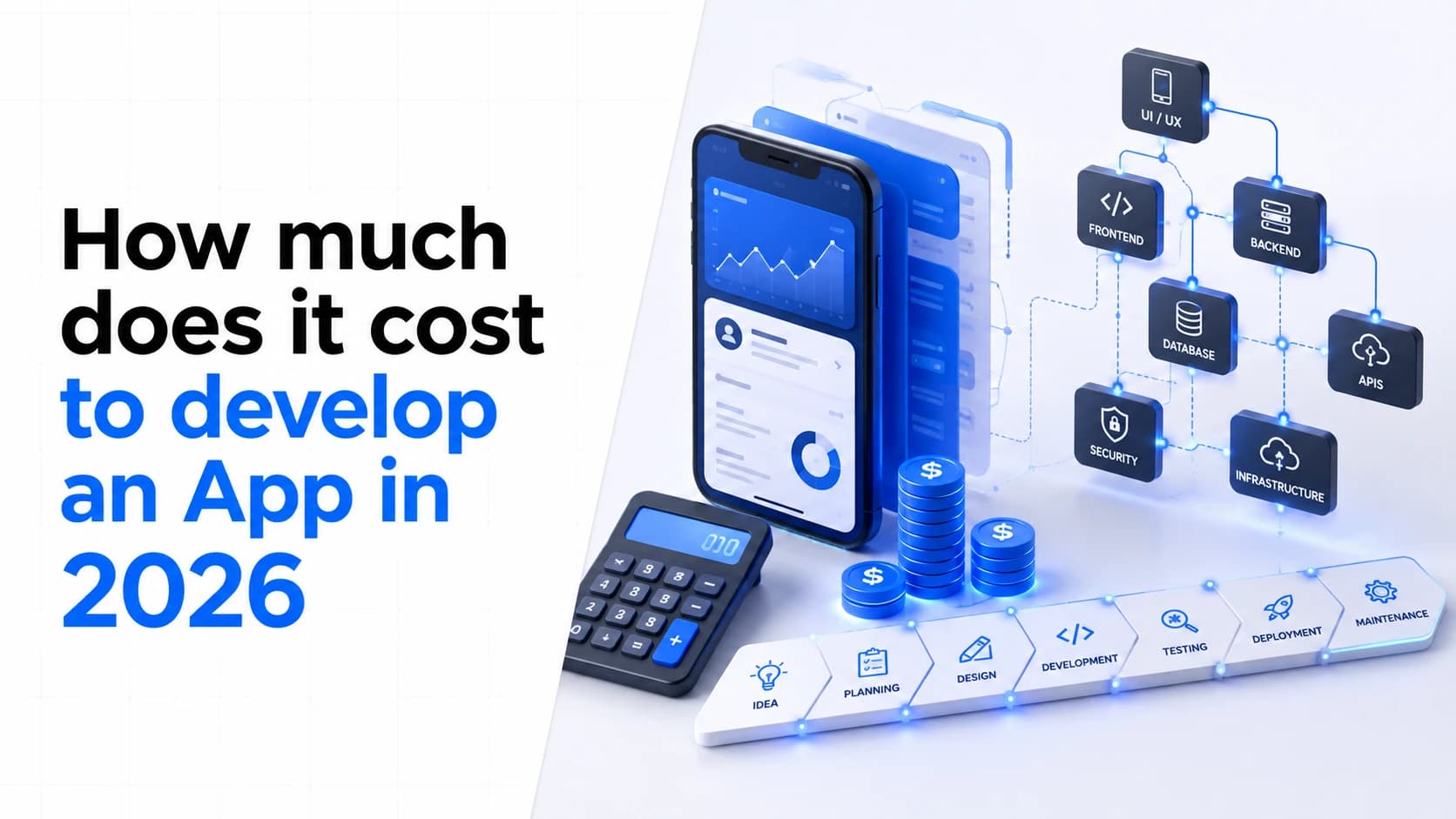
How Much Does It Cost to Develop an App in 2026?
App development costs vary widely because every product has a different scope. Learn what affects the cost of building an app and how to plan a realistic budget before development starts.
Abdullah · · 9 min read
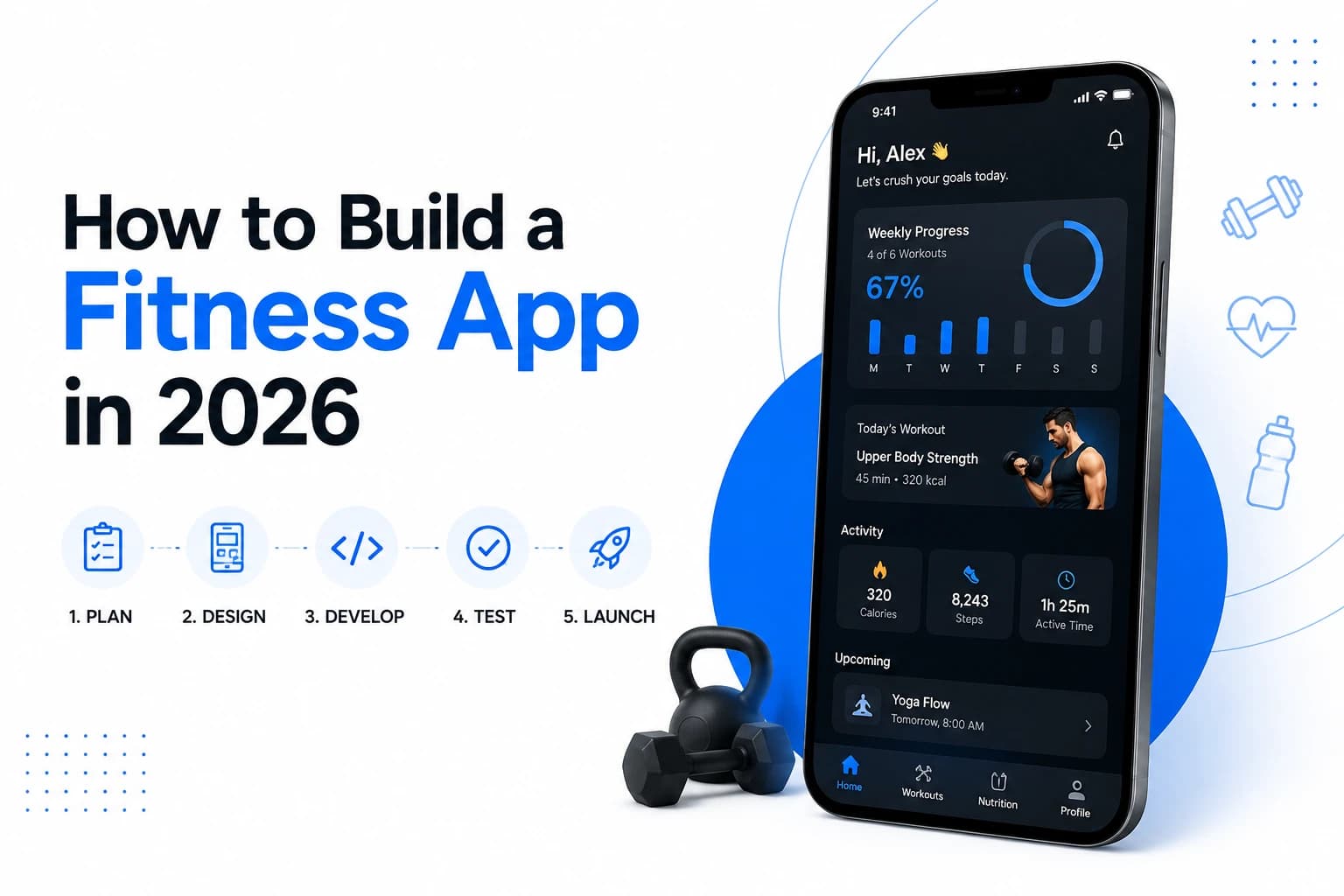
How to Build a Fitness App in 2026: What We Learned Shipping Them
Learn how to build a fitness app in 2026, from choosing the right product model and MVP features to AI coaching, wearables, subscriptions, testing, and long-term retention.
Abdullah · · 19 min read
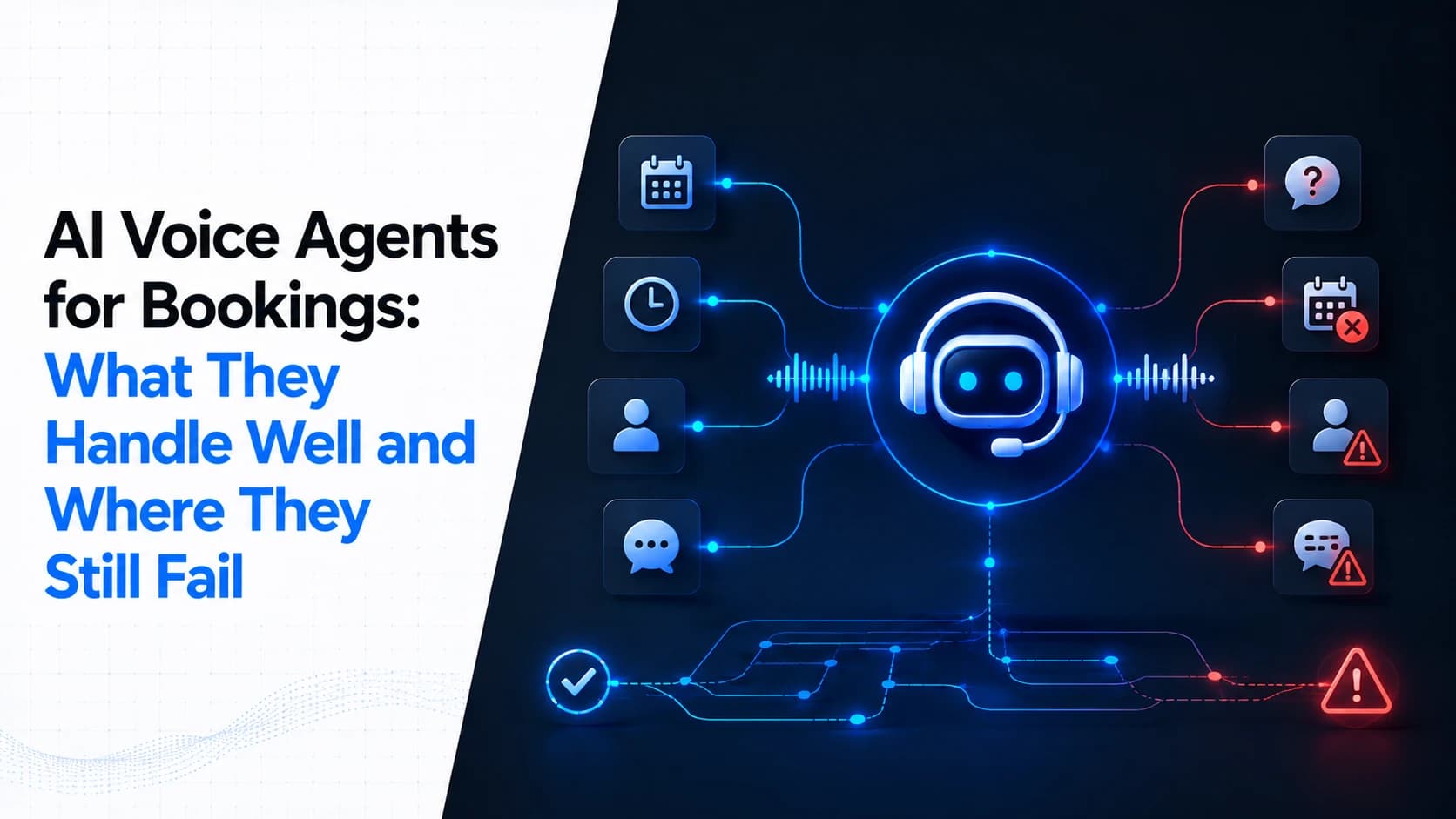
AI Voice Agents for Bookings: What They Handle Well and Where They Still Fail
AI voice agents can answer calls, check calendars, book appointments, handle simple reschedules, and route difficult calls to staff. But they are not a replacement for a front desk in every situation. Here is what works, what fails, and what to check before deploying one.
Abdullah · · 12 min read