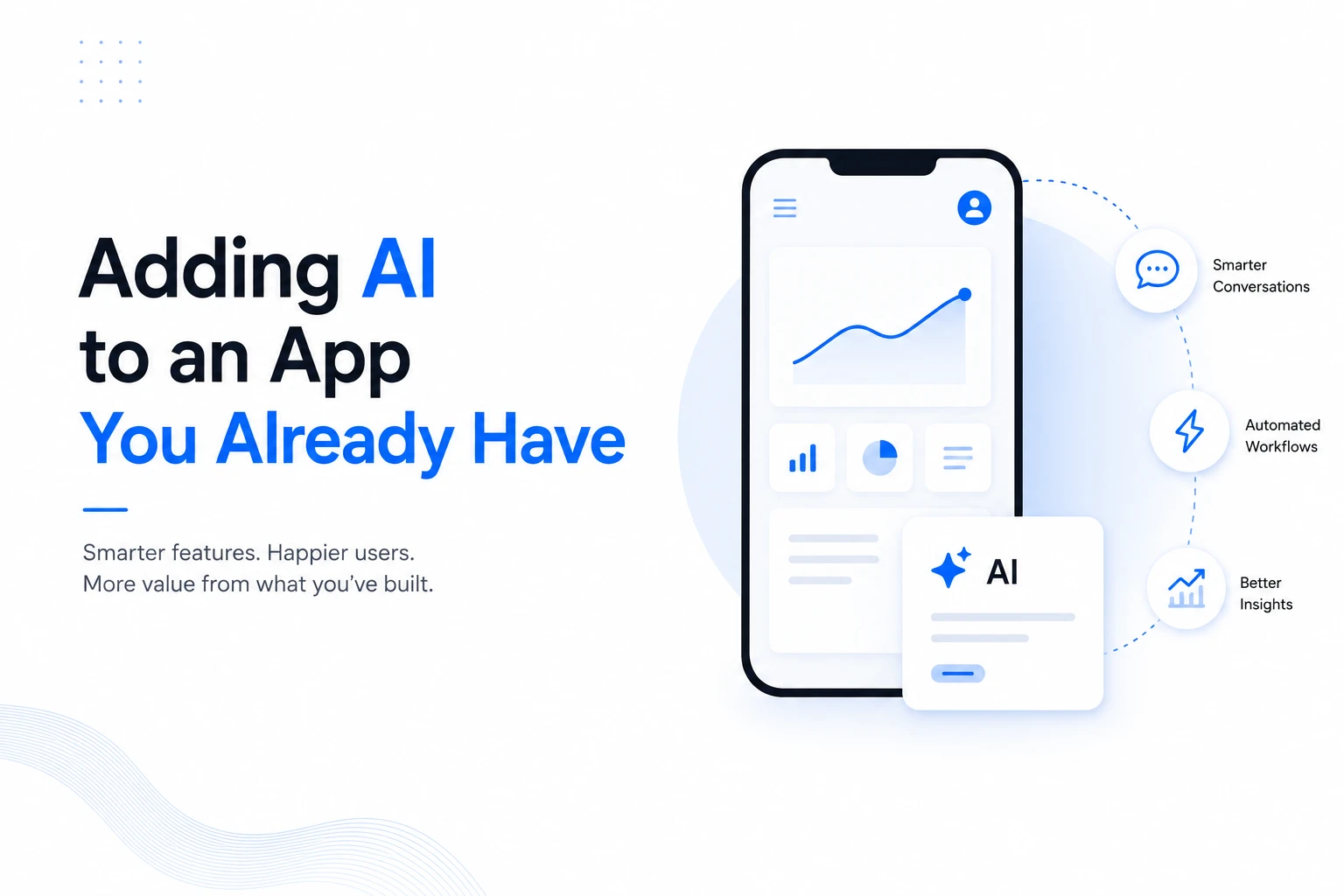
Adding AI to an App You Already Have
How to add useful AI features to an existing app without rebuilding the product from scratch.
Sections
If your business already has an app, you may not need another one. You may need your existing product to do more.
That could mean answering common support questions, helping employees find information faster, improving search, summarizing records, recommending products, or automating a repetitive task. These are practical ways to integrate AI into an existing app without replacing the product you already have.
The difficult part is usually not adding an AI API. The difficult part is deciding where AI belongs, what data it can use, how it should connect to your existing system, and how much control users should have over its output.
This guide explains how to approach that work step by step.
What does it mean to add AI to an existing app?
AI integration means connecting an AI capability to the workflows, data, and user experience that already exist in your application.
For example, an existing customer support platform could add an assistant that answers questions from approved company information. An e-commerce application could add semantic search so users can describe what they want in normal language. A business dashboard could use AI to summarize records or identify patterns that deserve attention.
The AI does not have to replace the application. In many cases, it sits behind a new feature and works with the systems your product already uses.
This is why adding AI features to an app is often more practical than starting a separate AI product.
Start with a problem, not an AI feature
A common mistake is to begin with a request such as, “Let us add a chatbot.” That does not tell you whether a chatbot is actually the right solution.
Start with the work your users or team already struggle with.
What questions are people asking repeatedly?
Where do users spend too much time searching?
Which manual tasks follow the same pattern again and again?
Where could a recommendation or prediction help someone make a decision?
Which parts of the existing workflow involve large amounts of text, images, audio, or other data?
Then choose the AI capability that fits the problem.
For example, repeated questions may point to an AI assistant. Difficult information retrieval may call for semantic search. Large amounts of text may make summarization useful. Images may create an opportunity for computer vision.
The goal is to solve a real problem inside the product, not to add AI simply because the technology is available.
Audit the app before you integrate AI
Before development begins, look at how the existing application works.
Your team should understand the current backend, APIs, database structure, authentication, user permissions, and the parts of the application where the new AI feature will appear.
Data deserves particular attention. An AI feature may depend on customer records, product information, documents, support conversations, usage history, or other business data. That data needs to be accessible in a useful format and handled according to the application's privacy and security requirements.
This review can also expose technical limitations. An older API, tightly connected code, weak data structure, or missing permissions may need attention before the AI feature can work reliably.
You do not always need to modernize the whole application. The better approach is to identify the parts that actually affect the AI integration.
Choose the right AI approach
Once the use case and existing system are understood, the next decision is how the AI itself should work.
For many common features, a hosted model or AI API can be a practical starting point. Your application sends the required information to the service, receives the result, and uses that result inside the existing workflow.
A custom model may make more sense when the problem is highly specific, the available data is important to the model's performance, or the business needs greater control over how the system behaves.
There is also a question of where the AI should run. Cloud-based processing can support larger models and more complex tasks. On-device processing can be useful when low latency, offline operation, or keeping certain data on the user's device matters.
The right choice depends on the feature, data, performance requirements, privacy needs, and existing architecture. There is no single AI stack that is right for every application.
Common AI features you can add to an existing app
You can add AI features to an app in many ways. The best option depends on what your application already does.
AI assistants and customer support
An assistant can help users find information or complete simple tasks through natural language. For an internal business application, it could answer questions about approved company information. For a customer-facing product, it could help users understand features, orders, policies, or other available information.
The assistant should have clear limits. When it cannot answer confidently or when a task requires human judgment, the application should provide a suitable fallback.
Smarter search
Traditional search often depends on matching the words a user enters with words stored in the database.
AI-powered search can use the meaning behind a query. This can help when users describe what they need instead of knowing the exact name of a record, product, document, or feature.
This can be especially useful for applications with large product catalogs, knowledge bases, document collections, or marketplace listings.
Summaries and information extraction
If users regularly read long records, messages, reports, or documents, AI can help summarize the information or extract specific details.
The important design decision is where the generated information fits into the existing workflow. A summary should save time without hiding the original information when users need to verify it.
Recommendations
AI can help recommend products, content, actions, or other options based on available information and user behavior.
Recommendations work best when they support a clear user decision. They should not simply add more suggestions to an already busy interface.
Workflow automation
Some applications contain repetitive work that requires reading, sorting, classifying, or routing information.
AI can assist with tasks such as categorizing incoming requests, identifying relevant information, or preparing a response for review. For sensitive workflows, keeping a person involved can help catch mistakes before an action is completed.
Build a small pilot before changing the whole app
You do not need to release AI across every part of the product at once.
Choose one workflow where the problem is clear and the risk is manageable. Build the feature around that workflow, test it with a limited group, and compare the result with the current process.
Useful measures depend on the feature. You might look at how long a task takes, how often users find the information they need, how many requests require human support, or how often users reject an AI suggestion.
A limited rollout also gives your team a chance to find problems with accuracy, latency, permissions, data quality, and the user interface before the feature reaches everyone.
Design the AI feature around user control
AI output should fit naturally into the product instead of taking control away from the user.
For generated content or recommendations, users may need a way to review and change the result. For automated actions, confirmation may be appropriate. For important decisions, the application should make it clear when AI is involved and provide a path for human review.
This matters because an AI feature can be technically correct and still be frustrating if it interrupts the workflow or makes decisions the user cannot understand or reverse.
Plan for security and privacy
Adding AI can change how information moves through your application.
Before sending data to an AI service, determine what information the feature actually needs. Limit unnecessary data, protect API access, and make sure permissions remain consistent with the existing application.
You should also understand how the selected AI service handles the data being sent to it and whether that approach fits your business and regulatory requirements.
For applications that handle sensitive information, these questions should be addressed during architecture and product planning, not after launch.
Expect the first version to need improvement
An AI feature is rarely finished when the first version reaches production.
Real users will find questions and situations that were not covered during development. Some responses will be useful. Others may need better instructions, better data, a different model, or a clearer fallback.
Track how the feature performs and collect useful feedback. Review incorrect or unhelpful outputs. Then improve the system based on what actually happens in the application.
This is one reason a focused first release is useful. It gives you real information before you invest in a larger AI rollout.
When should you use AI integration services?
Your existing development team may already have the skills needed to add a simple AI feature. For more involved work, outside help can reduce the risk of making the wrong architectural choice.
AI integration services can be useful when the project involves an unfamiliar AI capability, complex data flows, mobile performance constraints, security requirements, or changes across several parts of an existing system.
The right partner should first understand the current application and the business problem. The recommendation may be an AI integration, a smaller technical change, or no AI at all for a particular workflow.
At Next Level Software, our AI-assisted application work focuses on adding intelligent capabilities to digital products. We also provide AI and machine learning services when a project needs more specialized AI engineering.
What an AI integration project can look like
A practical integration usually moves through a few connected stages.
Define the use case. Identify the problem, users, workflow, and expected outcome.
Review the existing application. Understand the architecture, data, APIs, permissions, and technical constraints.
Choose the AI approach. Decide whether a hosted model, custom model, on-device approach, or another option fits the requirement.
Design the user experience. Decide how AI appears in the existing workflow and where users can review or control its output.
Build the first version. Connect the AI capability to the required application services and data.
Test with real scenarios. Check accuracy, performance, security, edge cases, and user feedback.
Roll out gradually. Start with a controlled release and expand after the feature proves useful.
Monitor and improve. Continue reviewing performance and adjusting the AI system as the product and user needs change.
This approach keeps the work focused. You are improving a product that already exists instead of assuming the entire product needs to be replaced.
What this means for an existing product
If your app already has users, data, workflows, and a working business model, you have an important advantage. You already know where people use the product and where the current experience creates extra work.
That gives you a better starting point for AI than an empty screen.
Start with one problem that is worth solving. Connect the AI feature to the workflow where it can help. Protect user data, keep people in control where needed, and measure what happens after launch.
Then decide where the next AI feature makes sense.
FAQs
Can I integrate AI into an existing app without rebuilding it?
Yes. Many AI features can be added through existing APIs and service layers without replacing the whole application. The amount of work depends on the current architecture, data, permissions, and complexity of the feature.
What AI features are easiest to add to an existing app?
The answer depends on the product, but common starting points include AI assistants, smarter search, summaries, recommendations, and workflow support. The best first feature is usually the one that solves a clear problem with manageable risk.
Should I build my own AI model or use an existing AI service?
Existing AI services can be a practical choice for common use cases and faster initial development. A custom model may be appropriate when the problem is highly specialized or the business needs greater control. The decision should be based on the use case, data, privacy needs, performance requirements, and available engineering resources.
How much of my existing app needs to change?
There is no fixed answer. A small AI feature may only require changes to a specific workflow and the services behind it. More complex features can require changes to data pipelines, backend services, permissions, mobile clients, or infrastructure.
How do I make sure AI does not give users unreliable answers?
Start with a focused use case, use reliable and relevant data, test common and unusual scenarios, and provide suitable fallbacks. For workflows where mistakes have important consequences, include human review instead of allowing the AI to act without oversight.
Can AI be added to both mobile and web applications?
Yes. AI capabilities can be integrated into both mobile and web applications. The technical approach may differ depending on device performance, network connectivity, privacy requirements, and where the AI processing needs to happen.
Final thought
Your existing application already contains something a new product does not: real users and real workflows. That makes it possible to start with a specific problem and add AI where it can make the product more useful.
If the application needs broader engineering work alongside the AI feature, custom software development can support changes around the existing product without turning every AI project into a full rebuild.
Keep reading

Fitness Apps Rank #2 in ACSM's 2027 Trends: What Gym Owners Should Do
ACSM's 2027 Worldwide Fitness Trends report ranks mobile exercise apps second. Learn what it means for gym owners, which app features matter, and when custom fitness software makes sense.
Abdullah · · 19 min read
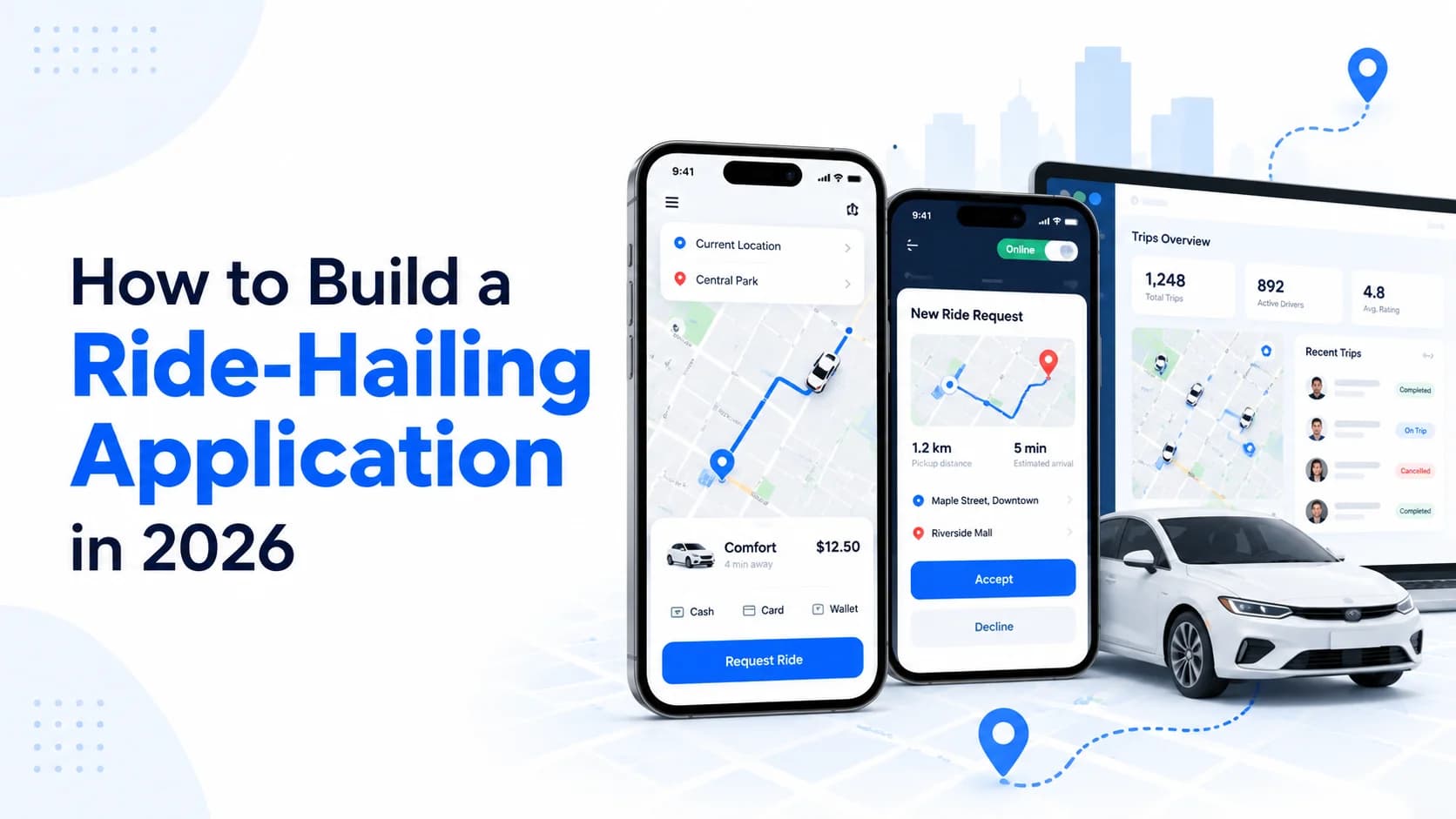
How to Build a Ride-Hailing Application in 2026: Features, Cost & Development Guide
Learn how to build a ride-hailing application in 2026, including essential features, technology stack, development costs, timelines, and lessons from our iTaxi MX project.
Abdullah · · 20 min read

Can You Build a Mobile App Without Coding in 2026? AI App Builders vs. Professional Developers
Can you build a mobile app without coding in 2026? Compare AI app builders, no-code platforms, and professional developers on cost, security, scalability, and app launch.
Khubaib Rasheed · · 22 min read