App Demo vs Production-Ready App: What Founders Need Before Launch
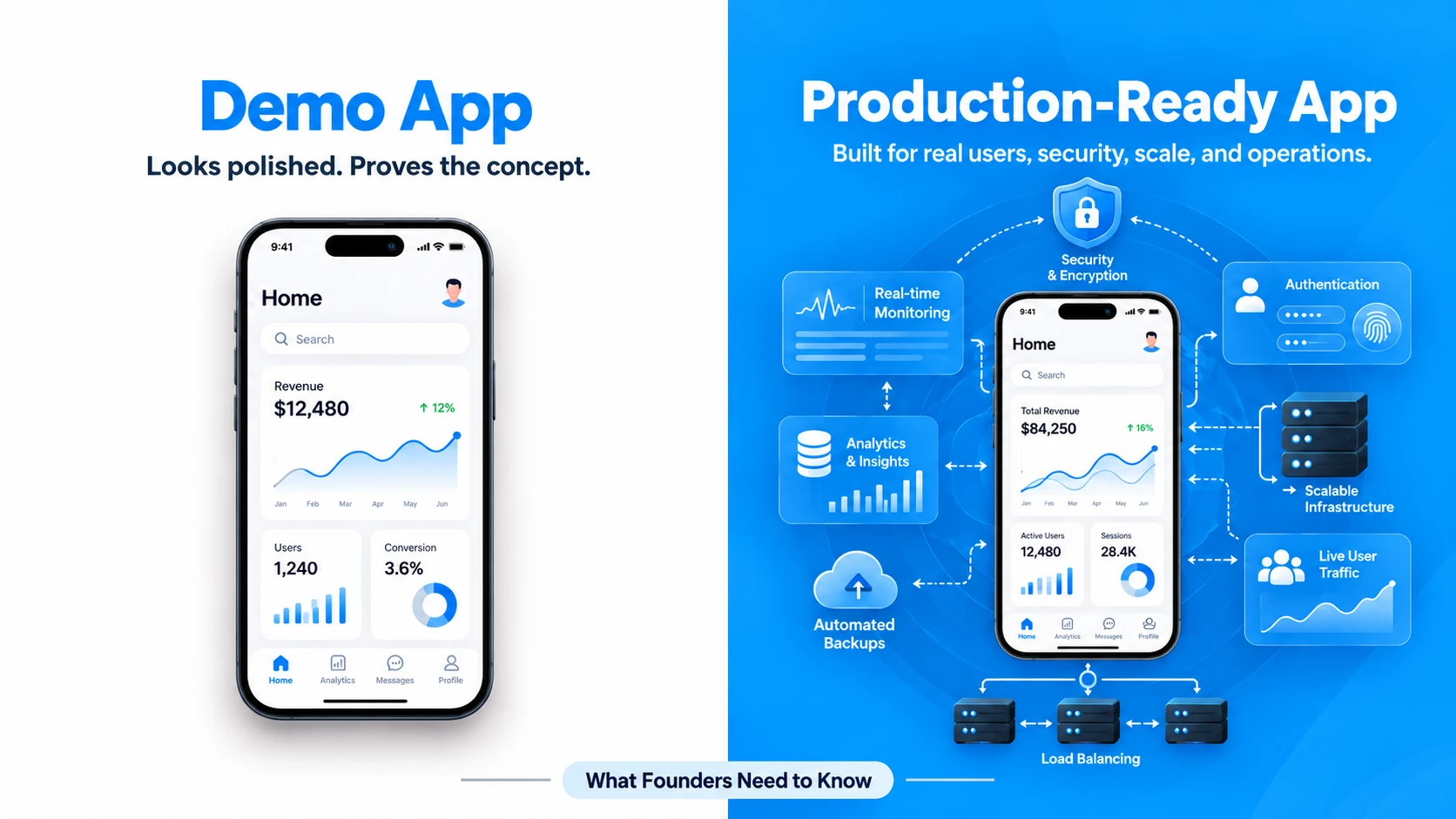
A working demo can validate the idea. Production readiness proves the software can handle real users, real data, failures, security, and ongoing change.
Sections
A working app demo creates a powerful moment for a founder. The screens look polished, the main flow works, users can click through the product, and the idea suddenly feels much closer to launch. If investors, customers, or internal stakeholders can see the product working, it is natural to assume that most of the difficult development work has already been completed.
That assumption can become expensive. A demo and a production-ready application may look almost identical from the user's side while being fundamentally different underneath. One has to communicate the product idea successfully. The other has to support real accounts, real customer data, unpredictable behavior, external services, failures, updates, security requirements, and a business that may increasingly depend on the software.
For founders, the important question is therefore not simply, “Does the app work?” The better question is, “What has this version of the app actually proved?” Understanding that distinction can prevent a prototype from being pushed into production before the engineering foundation is ready for the responsibility placed on it.
An App Demo and a Production App Solve Different Problems
A demo is usually optimized for learning and communication. It may be used to explain the product to investors, test a user journey, validate an interface, collect early feedback, or give a development team something concrete to discuss. In that environment, reducing scope and simplifying technical details is often sensible because the purpose is to answer product questions quickly.
A production application is solving a different problem. It must continue providing the expected experience when conditions are no longer controlled. Users will enter unexpected data, abandon workflows halfway through, retry actions, use older devices, lose connectivity, forget passwords, trigger multiple requests, and interact with the system in ways that nobody demonstrated during the original walkthrough. Meanwhile, external APIs can become unavailable, payment attempts can fail, deployments can introduce defects, and the volume of stored data can grow.
Area Demo Production-Ready Application Primary goal Communicate and validate the product idea Deliver dependable value to real users Users Founders, investors, internal teams, selected testers Real customers with unpredictable behavior Data Often limited, controlled, or partially simulated Persistent, sensitive, growing, and business-critical Error handling Happy paths may be enough for the demonstration Failures, retries, validation, recovery, and edge cases matter Performance Tested under controlled conditions Must remain usable under realistic devices, traffic, and data volumes Operations Minimal ongoing operational requirements Monitoring, backups, deployments, analytics, alerts, and maintenance
This does not make a demo incomplete or unsuccessful. A good demo is successful when it answers the questions it was created to answer. Problems begin when a team silently changes the product's responsibility without changing the engineering underneath it.
What a Good Demo Should Prove
A demo can be extremely valuable when its purpose is clear. Before investing in every feature, integration, and infrastructure concern, founders need evidence that the core product is worth developing further. A clickable or partially functional product makes that conversation much more concrete than a document or feature list.
For example, a useful demo may reveal whether users understand the main workflow, whether an important task requires too many steps, whether the product's value proposition is obvious, or whether several planned features can be removed from the initial scope. It can also help founders communicate the idea to potential customers and investors while identifying assumptions that still need validation.
This is closely related to the purpose of MVP development: reduce unnecessary scope while building enough of the product to test the assumptions that matter. The important difference is that an MVP intended for real users needs more production engineering than a demonstration intended primarily to communicate the concept.
The Most Dangerous Stage Is When a Demo Starts Becoming the Business
The transition between prototype and production is not always obvious. There may never be a meeting where somebody formally decides that the software has become a production system. Instead, one test user becomes ten. A potential customer asks for access. The team connects a real payment account. Customer information begins entering the database. Marketing starts sending traffic to the product. Suddenly, infrastructure that was designed for experimentation is carrying responsibilities it was never designed to carry.
This stage deserves particular attention because the application can still appear healthy. The visible functionality may work perfectly while risks accumulate underneath it. Authentication may be too permissive, database rules may not reflect real business requirements, important errors may never be logged, deployment may depend on one developer's local knowledge, or a third-party failure may break an entire user journey.
AI-assisted development has made this transition even easier to reach because founders can create convincing functional software much faster than before. That speed is useful, but fast generation does not remove the engineering work required after validation. If your starting point is an AI-generated application, our guide on turning an AI-generated app into production-ready software goes deeper into the architecture and operational work involved.
What Production Readiness Adds Behind the Interface
Production engineering is easy to underestimate because much of it is invisible when everything is working correctly. Users do not open an application because they are excited about database indexes, access control, backups, monitoring, or deployment pipelines. They expect those systems to exist precisely so that they rarely have to think about them.
1. Authentication, Authorization, and Security Boundaries
A demo may only need one working login flow. A production system needs to know not only who a user is but what that user is allowed to see and change. Different account types may require different permissions, sensitive endpoints need protection, sessions must be handled correctly, secrets should be managed safely, and input from users or external systems must be treated as untrusted.
This becomes particularly important for marketplaces, SaaS products, healthcare applications, fintech platforms, admin dashboards, and any system containing multiple user roles. A permission mistake that is invisible in a controlled demo can become a serious product problem once real accounts and valuable data exist.
2. Data That Survives Real-World Behavior
Demo data tends to be clean because developers know exactly which scenario they want to show. Production data is not clean. Fields are missing, users make mistakes, duplicate requests occur, records accumulate, business rules change, and integrations may send information in unexpected states.
A production data model needs to support the real business rather than only the demonstration flow. The application should also have a strategy for backups, migrations, retention, data recovery, and changes to the schema as the product evolves. A database that works with fifty carefully prepared records can expose very different problems once the product has thousands of users performing actions concurrently.
3. Failure Handling Instead of Happy-Path Engineering
In a demo, a payment succeeds because the test is designed to succeed. In production, cards are declined, users tap twice, gateways time out, callbacks arrive late, and network requests disappear halfway through the process. Similar failure patterns appear in messaging, notifications, uploads, maps, AI APIs, authentication providers, and almost every external integration.
Production readiness requires deciding what should happen when those failures occur. Should an operation retry automatically? Can it safely run twice? What state should the user see? What information does the support team need? What happens if one external provider is unavailable? Reliable software is not defined by never failing; it is defined partly by how deliberately it behaves when failure occurs.
4. Performance Under Real Conditions
A demo is normally tested by a small group with predictable behavior. Production introduces different phones, browsers, connection speeds, geographical locations, simultaneous users, larger databases, background jobs, and third-party latency. A feature that feels instant during development may become frustrating after the amount of data or traffic increases.
Performance work should be based on the product's realistic usage rather than fear-driven overengineering. An early startup rarely needs infrastructure designed for millions of simultaneous users, but it does need to understand where its likely bottlenecks are and avoid architectural decisions that make reasonable growth unnecessarily difficult.
5. Observability and Operational Visibility
When a founder reports that “checkout is broken,” a development team needs more information than the complaint itself. Production applications should provide enough visibility to understand what occurred through structured logs, error reporting, analytics, metrics, and appropriate alerting.
Without that visibility, every production incident becomes detective work. The team knows that somebody experienced a problem but cannot reliably reproduce it or determine which service, request, deployment, or piece of data caused the failure. Monitoring does not prevent every issue, but it can dramatically improve the team's ability to understand and respond to them.
6. Repeatable Deployment and Recovery
A successful deployment should not depend on remembering an undocumented sequence of manual steps. Production teams need a repeatable way to configure environments, release changes, manage secrets, run migrations, test important behavior, and recover when a release introduces a problem.
The complexity of that process should fit the product. A young startup may not require a sophisticated enterprise delivery platform, but somebody other than the original developer should be able to understand how the software reaches production and what to do if a release needs to be reversed.
7. Ownership and Maintainability
Production readiness also includes questions that are not purely technical. Who owns the source-code repository? Who controls the cloud account? Are the app-store accounts held by the business? Where are domains, analytics tools, email providers, payment gateways, and API credentials managed? Is there enough documentation for another developer to work on the system?
The answers matter because the product is becoming a business asset. A functioning application that cannot be safely maintained, transferred, or operated without one particular person carries a different kind of production risk.
A Practical Production-Readiness Checklist for Founders
Instead of asking whether every planned feature has been completed, founders can evaluate readiness across a set of operational questions. The goal is not to create an enterprise checklist for a small startup. It is to identify whether the responsibilities being placed on the application are matched by the engineering supporting them.
Area Question to Ask Before Launch Core flows Do the most important user journeys work outside the ideal happy path? Security Are authentication, permissions, secrets, sensitive data, and administrative access handled appropriately? Data Can the system deal with invalid input, increasing data volume, migrations, backups, and recovery? Integrations What happens when payments, email, maps, AI APIs, or another external dependency fails? Performance Has the product been tested under realistic devices, connections, datasets, and expected usage? Monitoring Will the team know when an important flow fails, and will developers have enough information to investigate? Deployment Can the team release, configure, and if necessary roll back the application predictably? Ownership Does the business control its source code, infrastructure, app-store accounts, domains, and critical third-party services? Support Who is responsible for responding when users experience a production problem?
An early product does not need perfect answers in every category before a single beta user sees it. The level of engineering should match the risk. A private test with twenty invited users has different requirements from processing payments for thousands of customers. What matters is making that decision consciously rather than assuming that visual completeness equals technical readiness.
Should You Rebuild the Demo or Improve What You Already Have?
Discovering that a demo is not production-ready does not automatically mean throwing it away. Rebuilding everything from scratch can waste working software, delay learning, and create a new set of implementation risks. At the same time, repeatedly extending a fragile foundation can make every future feature slower and more expensive.
The better approach is to evaluate the existing product and divide the code into three categories: what can remain, what should be improved, and what should be replaced. User-interface components may be perfectly reusable while the authentication model needs significant changes. An external integration might be sound while the database structure needs refactoring. In another application, the existing frontend and backend may both be structured well enough that the production work is primarily testing, security hardening, monitoring, and deployment.
If an existing application is difficult to extend, frequently breaks after changes, has unclear architecture, or was created quickly without production concerns, a technical review is a more useful first step than assuming the entire system needs rebuilding. NLS's Fix Your App work is designed around that situation: inspect the codebase, identify what is worth preserving, and create a repair path based on the actual condition of the product.
Production-Ready Does Not Mean Building Everything
One of the most expensive misunderstandings is that “production-ready” means “feature-complete.” It does not. A focused product with five dependable features can be far more production-ready than an application containing twenty partially engineered features.
For an early-stage product, scope discipline is still essential. The goal is to identify the smallest collection of workflows that can deliver genuine customer value and then engineer those workflows to an appropriate level of reliability. Features that are not necessary for validation can remain on the roadmap. Reliability, security, data integrity, and operational visibility around the features users actually depend on should receive more attention.
This distinction is important because it allows startups to move quickly without confusing speed with shortcuts. Production engineering does not have to mean enterprise architecture, unnecessary microservices, or infrastructure designed for hypothetical massive scale. It means creating a foundation that is proportionate to the product's current responsibility and the next realistic stage of growth.
What This Looks Like in a Real Product Build
FitFinds is a useful example of why the difference matters. The product was not just a collection of attractive mobile screens. The platform had to support a customer application, a merchant system, and an administration system on one backend while bringing together gym subscriptions, class bookings, marketplace functionality, payments, and bilingual experiences.
The product moved from concept to the live Kuwait market in 12 weeks. The important lesson is not simply the timeline. It is that shipping meant solving the operational system around the interface: several types of users, shared data, merchant operations, administration, regional payments, and mobile delivery had to work together as one actual product. You can explore the architecture and product decisions in the FitFinds case study.
That is the broader distinction founders should keep in mind. A demonstration can prove that a journey makes sense. Production software must support everything required for that journey to continue working once it becomes part of a real business.
How to Move From Demo to Production Without Overbuilding
The most effective transition usually begins with understanding the current product rather than immediately adding more features. Document the critical user journeys and identify which ones must work reliably at launch. Review the architecture, authentication, permissions, database design, integrations, configuration, and existing technical debt. This creates a much clearer picture of the actual gap between the current demo and the intended release.
Next, prioritize issues by business risk. A cosmetic inconsistency and an authorization problem should not receive equal priority just because both appear on a bug list. Problems affecting security, payments, customer data, core transactions, and recoverability usually deserve attention before secondary product polish.
Then strengthen the engineering around the essential workflows. Add appropriate validation and failure handling, improve the parts of the architecture that will block near-term development, establish testing around high-risk behavior, connect production monitoring, document deployment and recovery, and make sure the business controls its critical accounts and infrastructure.
Finally, launch in a way that allows the team to learn safely. A staged release or controlled beta can expose real behavior before the entire market depends on the application. Watch product analytics and operational signals together. User feedback tells you what customers want; monitoring and engineering data tell you whether the software is successfully delivering it.
A Demo Proves the Idea. Production Has to Support the Company.
A polished demonstration is an important milestone, but it should be treated as evidence of progress rather than automatic evidence of launch readiness. Screens, buttons, and successful walkthroughs tell you something important about the product experience. They tell you much less about security, failure recovery, operational visibility, maintainability, ownership, and how the system will behave after real customers begin depending on it.
For founders, recognizing the difference early creates better decisions around budget, timelines, technical priorities, and launch expectations. It also prevents two opposite mistakes: launching fragile software because it looks finished, or overengineering an early product because “production-ready” has been confused with building infrastructure for a scale the business does not yet need.
If you already have a working demo, prototype, early MVP, or partially built application, the next step does not have to be a complete rebuild. The useful first question is what can be kept, what needs strengthening, and what currently prevents the product from being operated safely and reliably. Talk to Next Level Software about your product and we can help evaluate the gap between what works in the demo and what needs to be ready before real users depend on it.
Keep reading
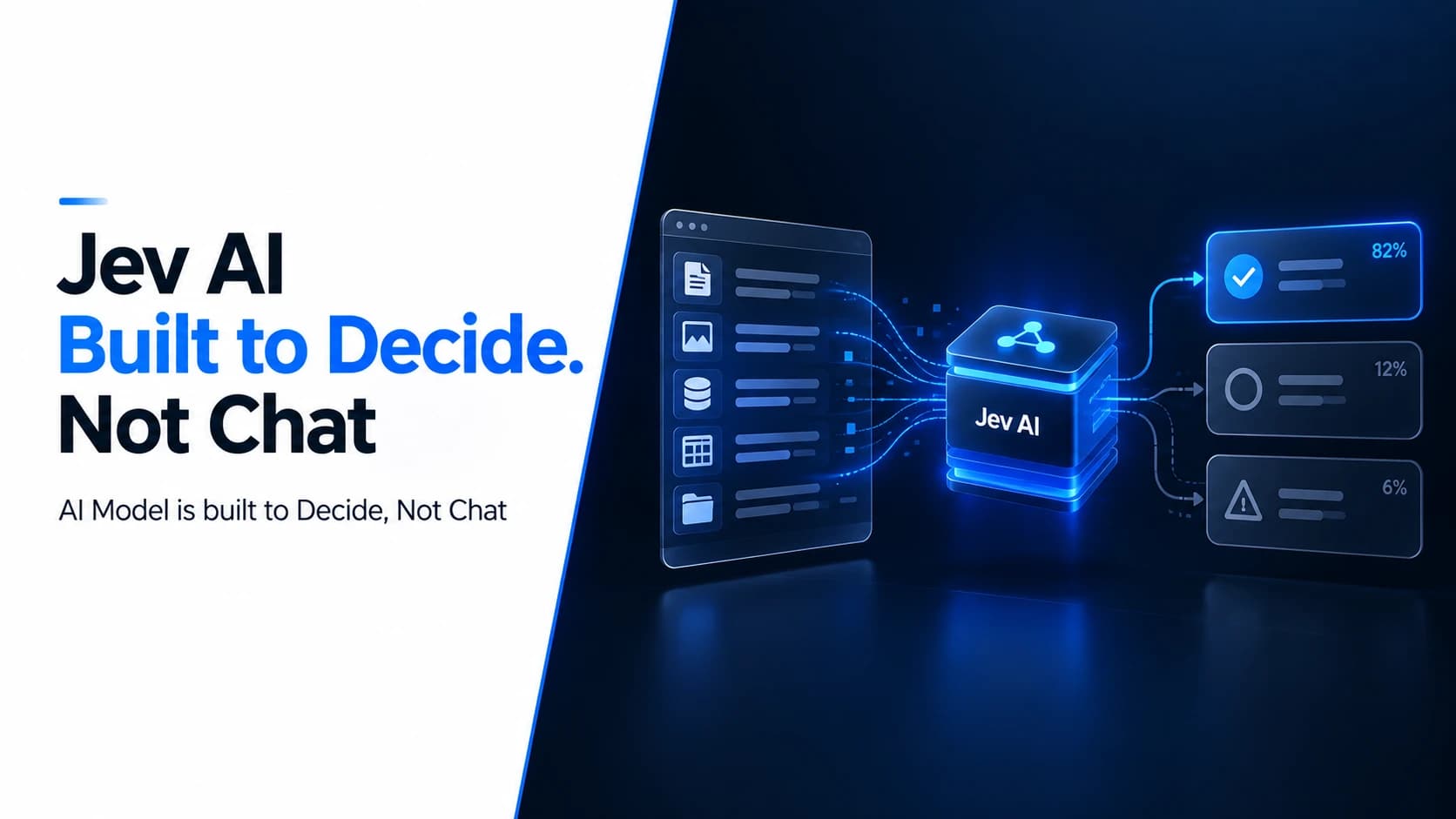
What Is Jev AI? Why TypeSafe’s New Model Is Built to Decide, Not Chat
Jev AI is TypeSafe’s new System One Model, built to return typed decisions, probabilities, and confidence instead of chat. Here is why that matters for software.
Abdullah · · 12 min read
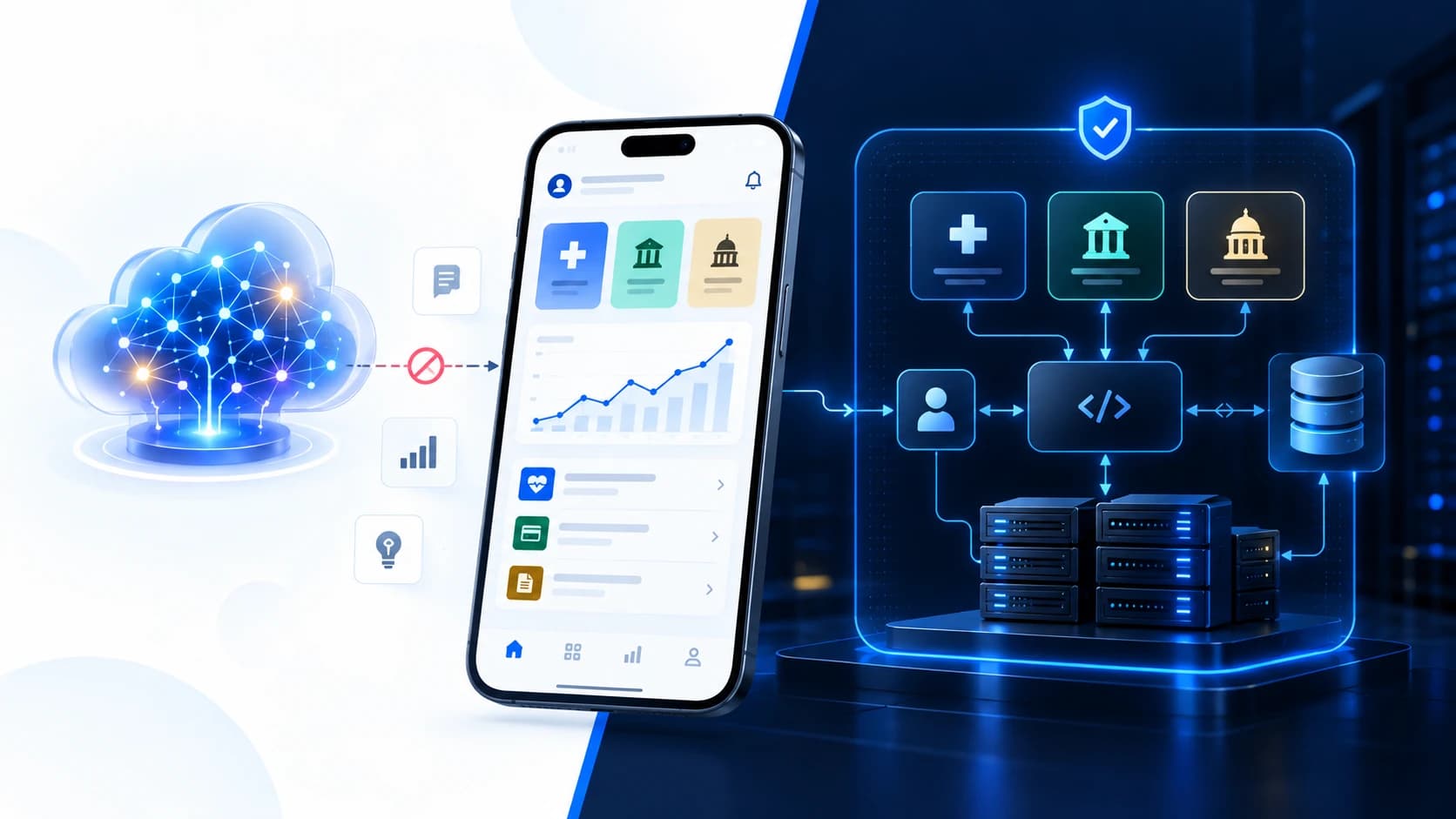
Old Is Gold: Why Custom Mobile Apps Still Matter in the AI Era
AI can add real value, but it can also add data, vendor, security, and compliance complexity. Here is why some custom mobile apps are better without it.
Khubaib Rasheed · · 17 min read
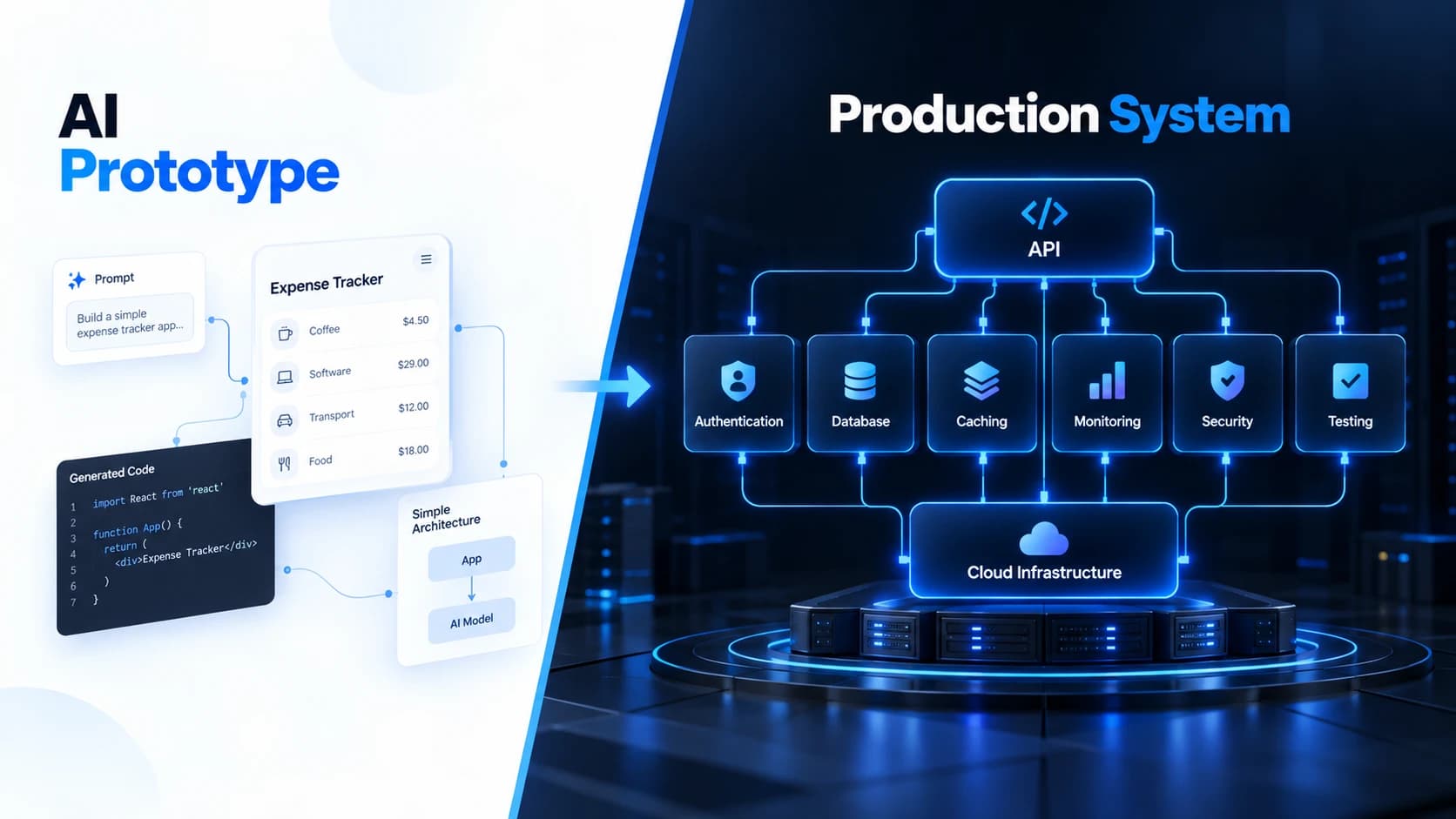
How to Turn an AI-Generated App Into Secure, Scalable, Production-Ready Software
AI can generate a working app fast. Learn what architecture, security, scalability, testing, and operations are needed before that prototype becomes production software.
Abdullah · · 18 min read